
Begin with the interaction
Choose how characters engage with the puzzle: logic, symbols, a mechanism, a route, a riddle or a cooperative challenge. Put its objective in the scene.
Tabletop puzzle preparation
Give them an objective.
Leave useful clues.
Prepare the next choice.
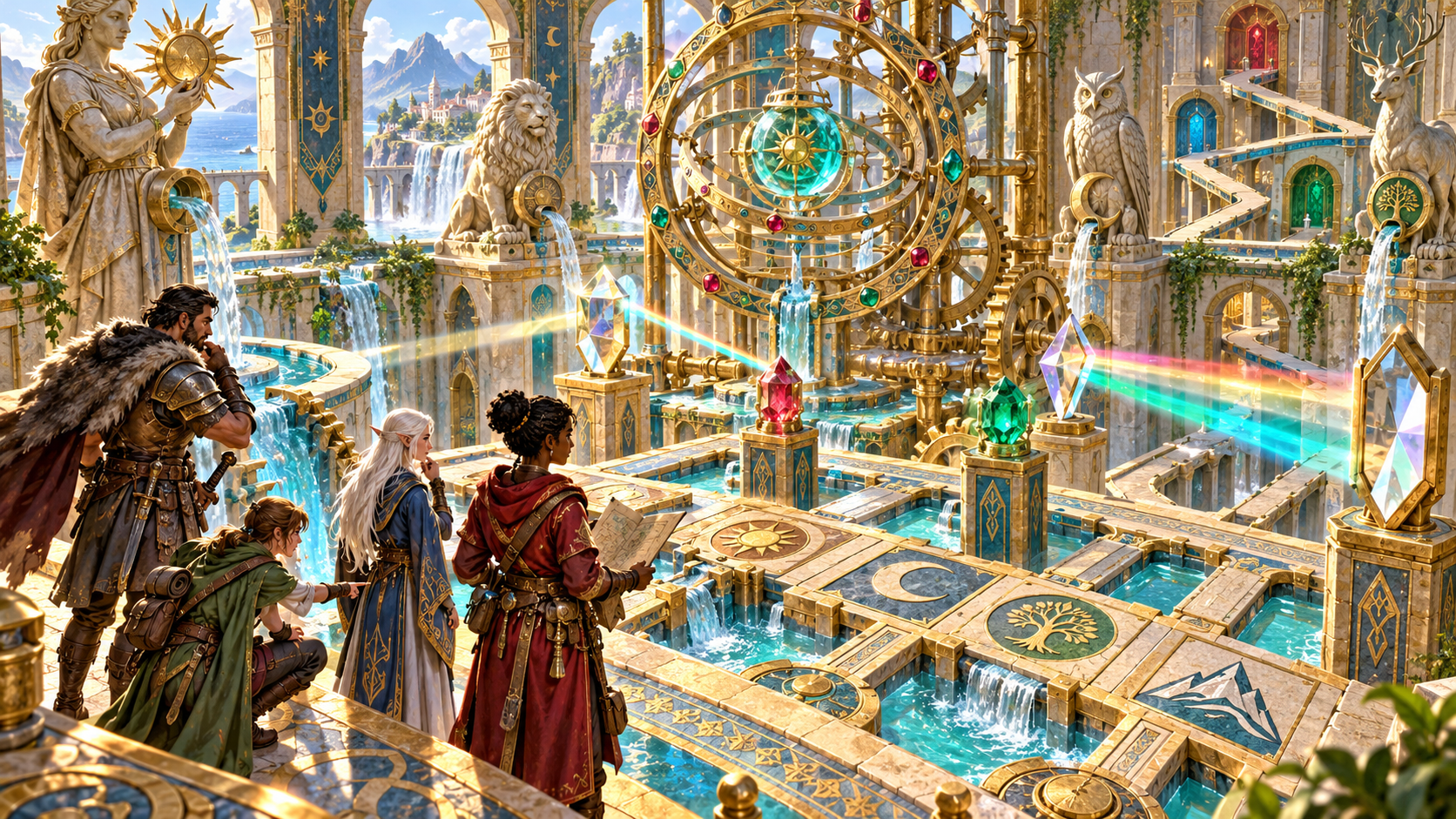
An obstacle with a purpose
Prepare what the group sees, tries and learns.
Choose how characters engage with the puzzle: logic, symbols, a mechanism, a route, a riddle or a cooperative challenge. Put its objective in the scene.
Bring the components, rules, clues and intended answer together. Review the explanation, hints, wrong-answer responses and ways to move the adventure forward.
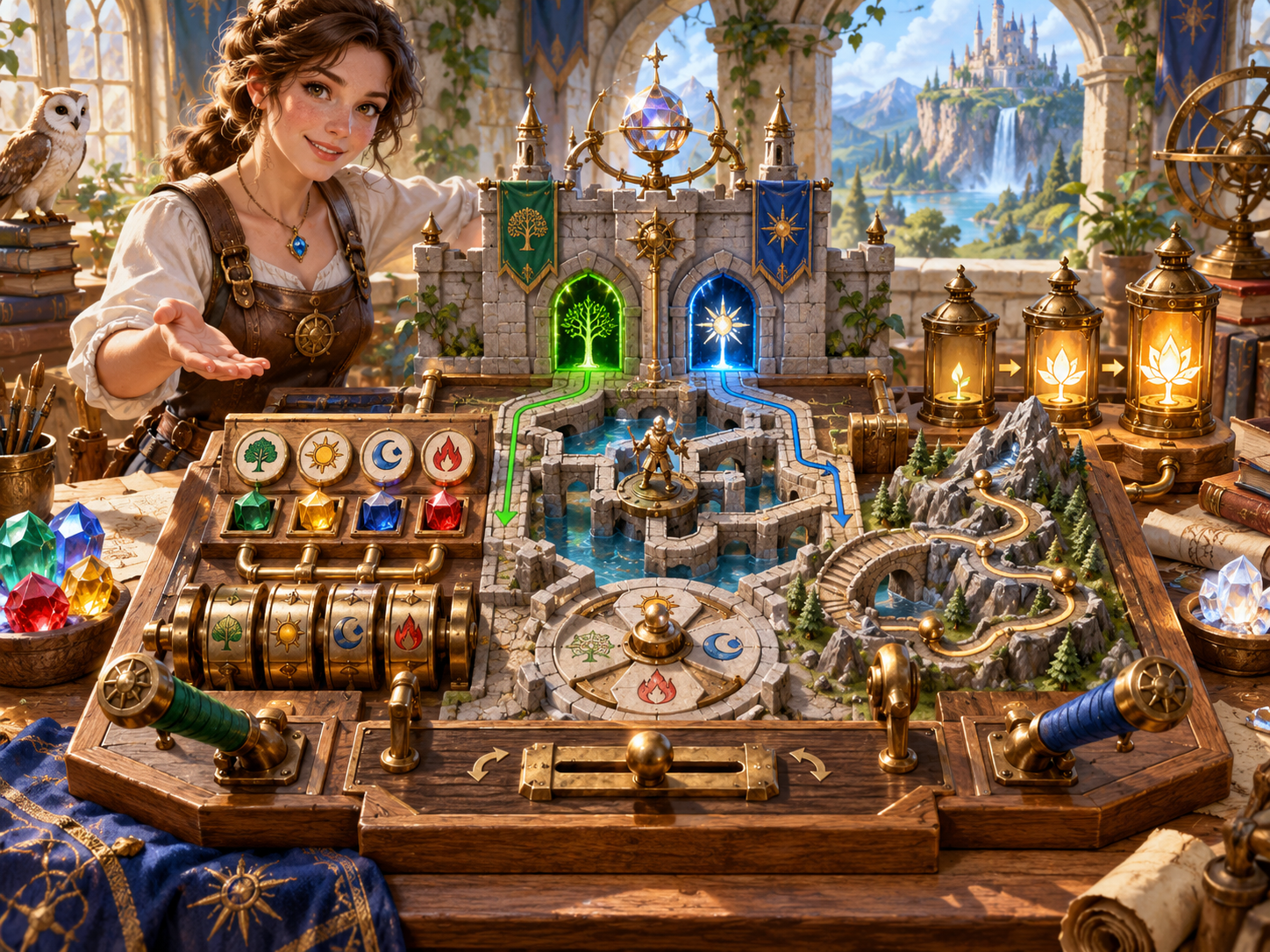
Components players can describe
The illustration brings symbol wheels, coloured gems, paths, gates and a row of lanterns into a tabletop puzzle model.
Prepare the components, layout and interaction rules for your chosen puzzle family. Review how the visible clues relate to the intended answer, then refine the material for your scene.
Puzzle material and running guidance
Prepare the puzzle, then refine it for the table.
Explore logic, sequence, mechanism, symbol, route, riddle, cooperative, environmental or magical puzzle material. Choose the kind of interaction you want at the table.
Choose difficulty and environment, then place the puzzle in the adventure. Give the characters a reason to pay attention to its objective.
Build the puzzle around an objective, components and a layout. Give the Dungeon Master concrete material to describe and arrange.
Prepare how characters interact with the puzzle. Review the rules alongside the clues and intended answer before using the material.
Keep the clues, intended answer and ordered explanation together in the Dungeon Master material. Refine them for the puzzle you want to run.
Prepare hints that reveal more as the group needs help. Decide when and how to introduce them during the session.
Include responses to wrong answers and guidance for resetting the puzzle. Choose consequences that fit the tone of your adventure.
Prepare acceptable alternatives and a way around the obstacle. Give yourself options when the group takes an unexpected approach.
Use the player handout alongside the full Dungeon Master version. Review the handout before sharing, particularly after editing the puzzle.
Save puzzles to your signed-in account, reopen them, compare versions and keep useful variations. Copy, print or export the material you want to use.
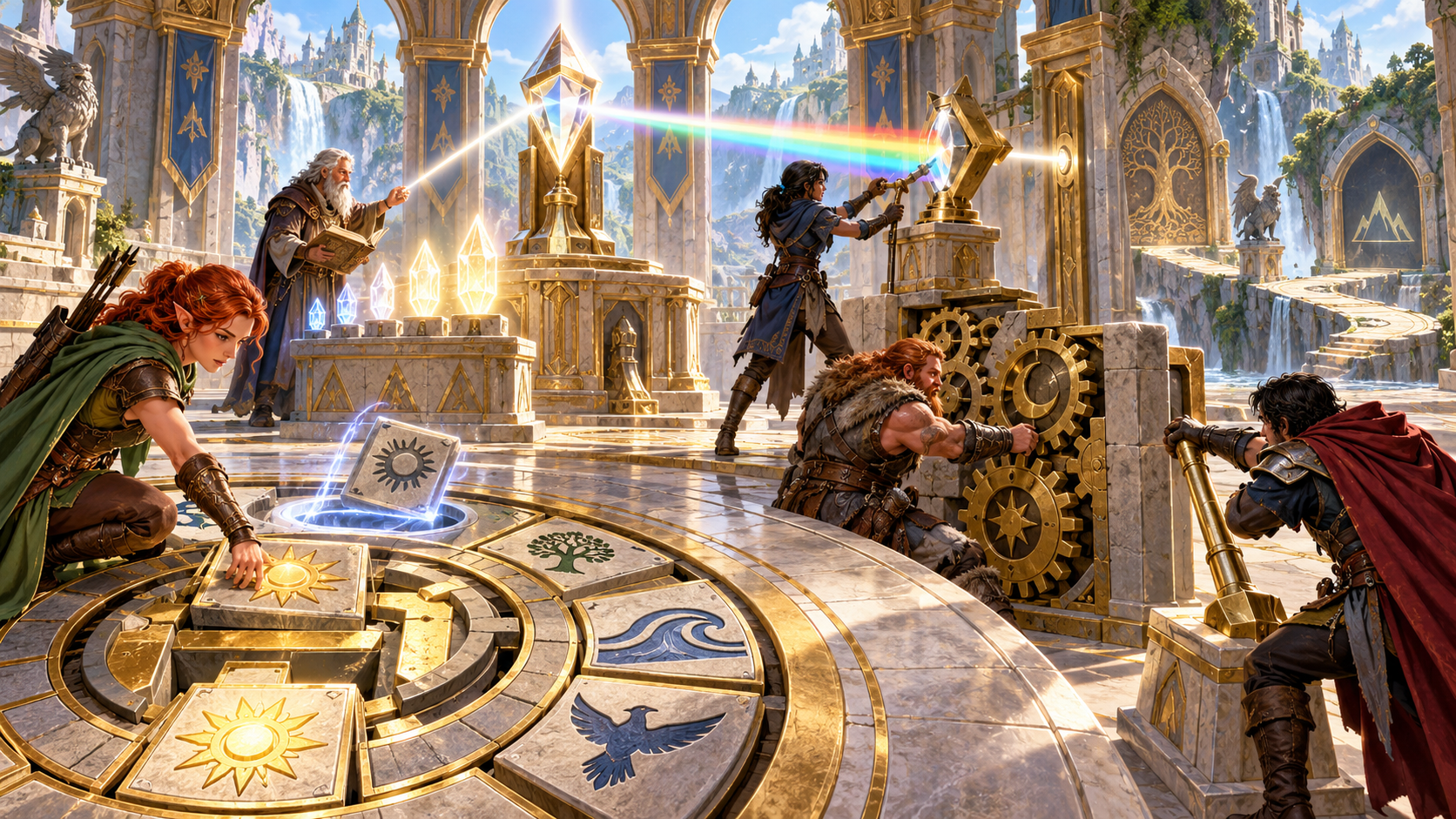
Make room for cooperation
The illustration shows a group working across symbol tiles, a crystal mechanism and a large set of gears. Several characters are involved in the same scene.
Choose whether the puzzle calls for cooperation, and decide how clues become available. Prepare progressive hints and responses to wrong answers so you have useful running material as the group explores.
A focused workflow
Choose, prepare, review and share.
Start with family, difficulty and environment. Place the objective where it makes sense in the adventure.
Refine components, layout, rules, clues and intended answer. Set time pressure, magic and cooperation to suit the scene.
Review the progressive hints, wrong-answer responses and reset guidance. Decide which alternative approaches and bypass fit your group.
Keep the full Dungeon Master material, then review the separate player handout. Refine the clues and explanation before the session.
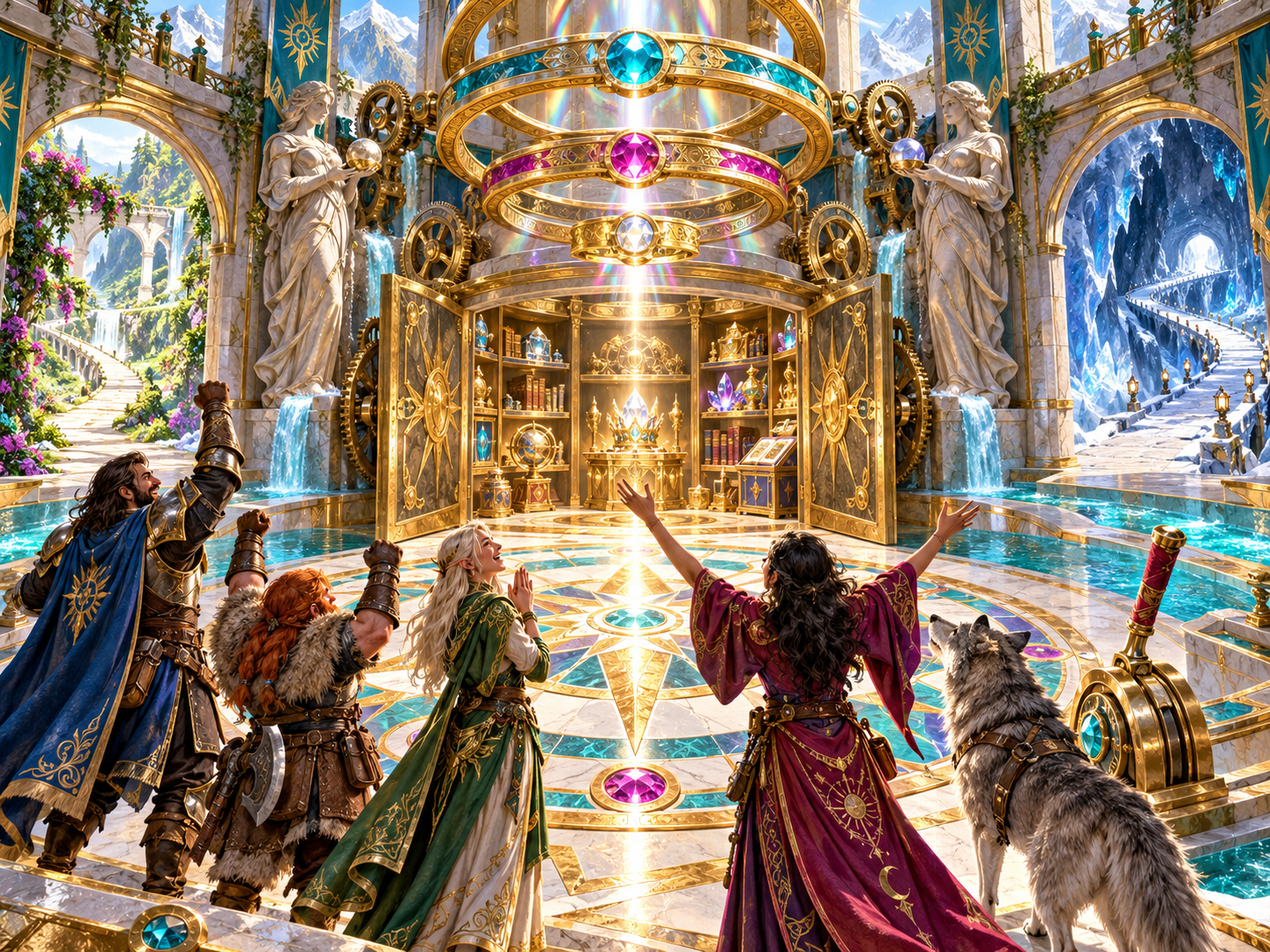
The adventure continues
The illustration shows adventurers celebrating beside an open sanctuary filled with books, gems and other discoveries.
Place the puzzle within a larger adventure. Decide what access, information or opportunity follows the intended answer, an accepted alternative or a bypass. Keep those story choices in your hands.
Keep useful designs
A puzzle collection for your own sessions.
Keep puzzles in your signed-in VISINVOKE account. Reopen and rename them, search the collection and use tags to find material again.
Compare puzzles and duplicate a useful design. Use version history to return to earlier material as you refine the scene.
Copy the full version or export the structured puzzle material with clues, intended answer, hints and reset guidance. Review it for the session you are preparing.
Print a separate player handout for the table. Check what it contains before sharing, especially after changing the puzzle or its explanation.
Your workspace and related story tools
Open your tools through your VISINVOKE account.

Open Puzzle Generator from the Generators collection in DCC. Get the desktop workspace through your account installer page.

Explore a separate story tool for making amends, its cost and the responses of others. Prepare that story alongside your adventure.
Product illustrations show puzzle components, group interaction and story possibilities.
Questions and answers
Preparation, review, hints, records and account access.
Choose logic, sequence, mechanism, symbol, route, riddle, cooperative, environmental or magical play. Prepare the objective, components, rules, clues, intended answer and running guidance.
Start with the puzzle family, difficulty and environment. Refine placement, time pressure, magic, cooperation, clues, consequences, reset behaviour, alternatives and a bypass.
Progressive hints give you material to introduce when the group needs help. Wrong-answer responses and reset guidance let you plan what happens when a choice does not match the intended answer.
Review the interaction rules, clues, intended answer and explanation together. Refine the material for your group, and decide which alternatives and bypass fit the adventure.
Save to your signed-in account and use reopening, search, tags, comparison and version history. Copy or export the Dungeon Master material, or print a separate player handout and review it before sharing.
Open it from the Generators collection in VISINVOKE Desktop Control Centre. Create an account or sign in and use your account installer page for DCC and your premium products.
Continue in VISINVOKE
Create a VISINVOKE account or sign in. Get Desktop Control Centre through your account installer page and open Puzzle Generator.
Browse your premium products through your account. Keep your puzzle preparation together in the desktop workspace.